A WhatsApp link
The most common way: a ready-made message; the link works for one family and expires after 7 days.
Link up with families you know to share where you’ll be, invite each other to parties and give each other a hand with turns. Only parents use it, it’s off until you turn it on, and you can turn it off anytime.
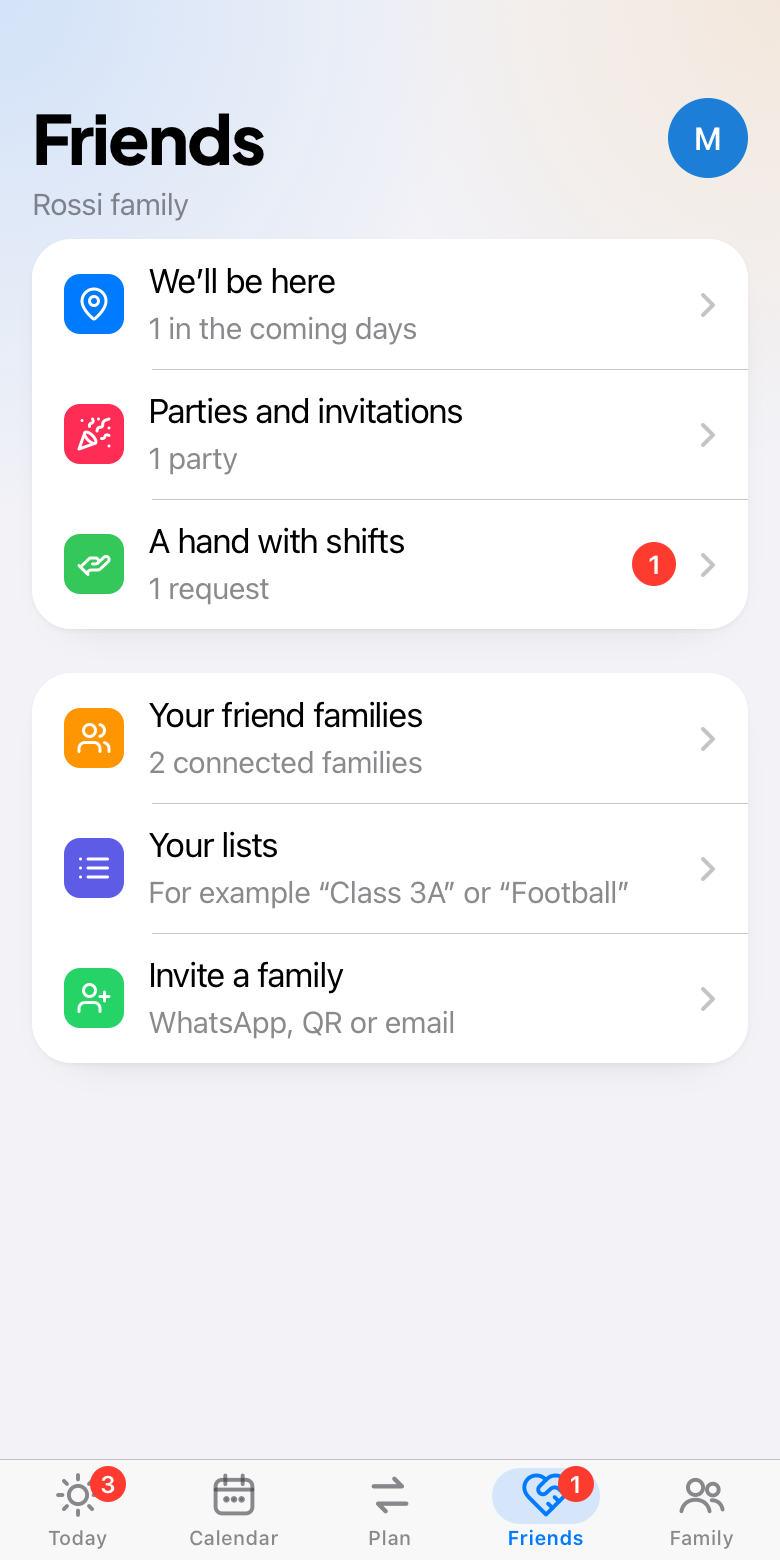
In Family › Friend families tap Turn on, choose the name others will see and, if you like, a photo. Then invite:
The most common way: a ready-made message; the link works for one family and expires after 7 days.
At the park or at the school gate: the other parent scans it with their camera.
Type the other parent’s full email. The app never reveals whether someone uses MyFamily.
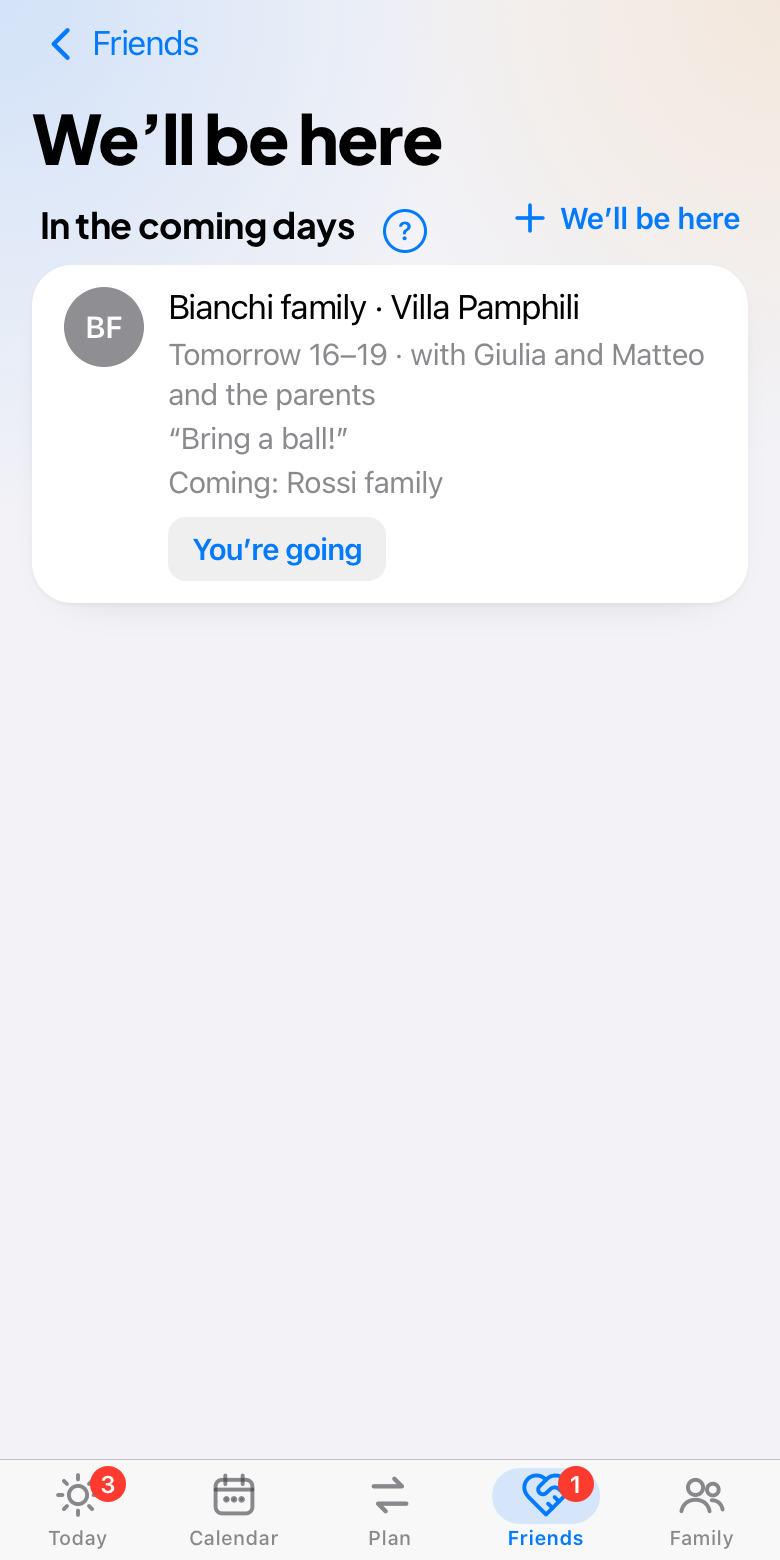
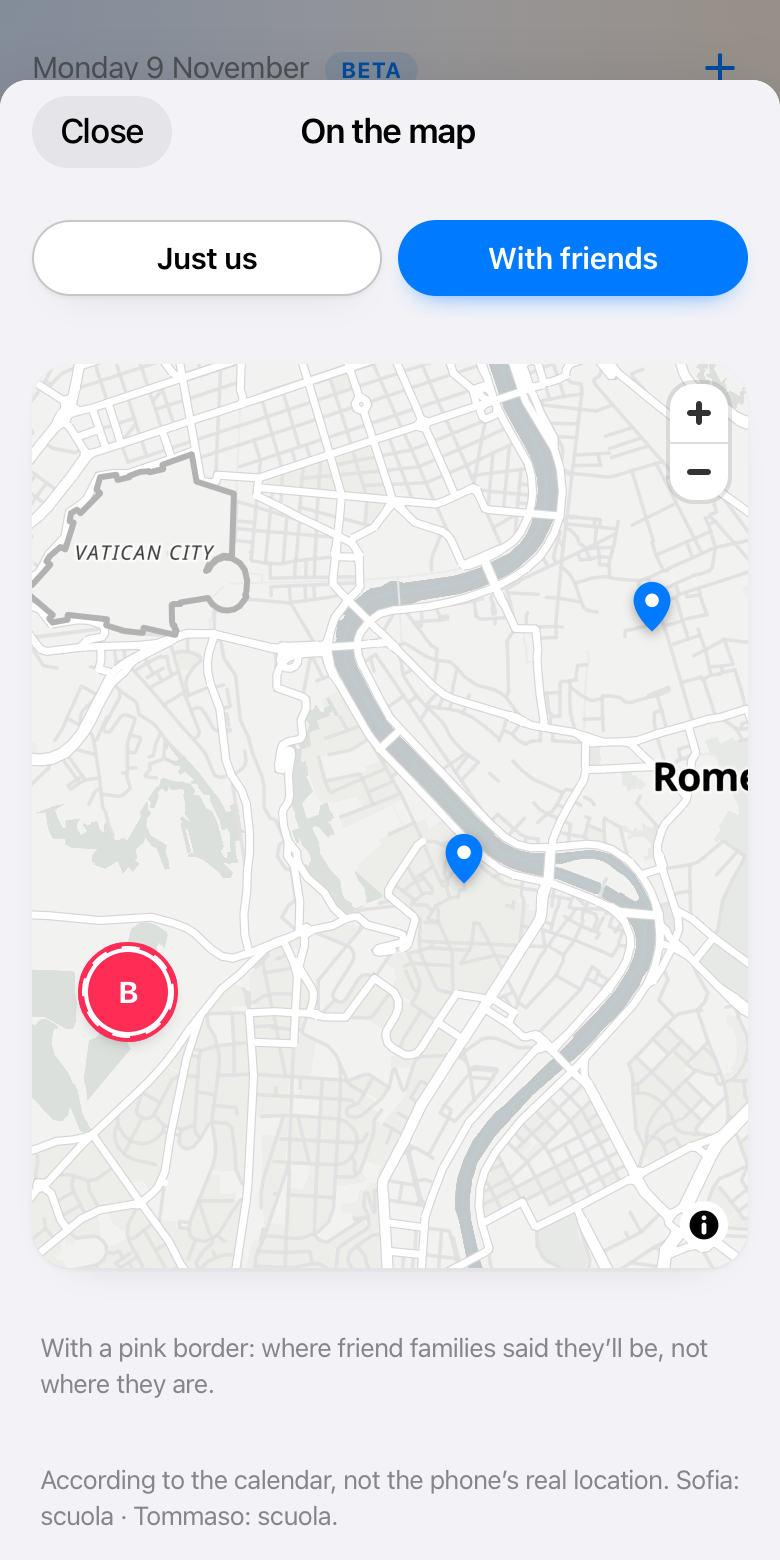
Say where you’ll be, when and with which children: “Tomorrow at Villa Pamphili, 4–7pm”. The families you choose see it, even via a list like “Class 3A”. Anyone who wants taps “We’re coming too”. It disappears at the end of the day.
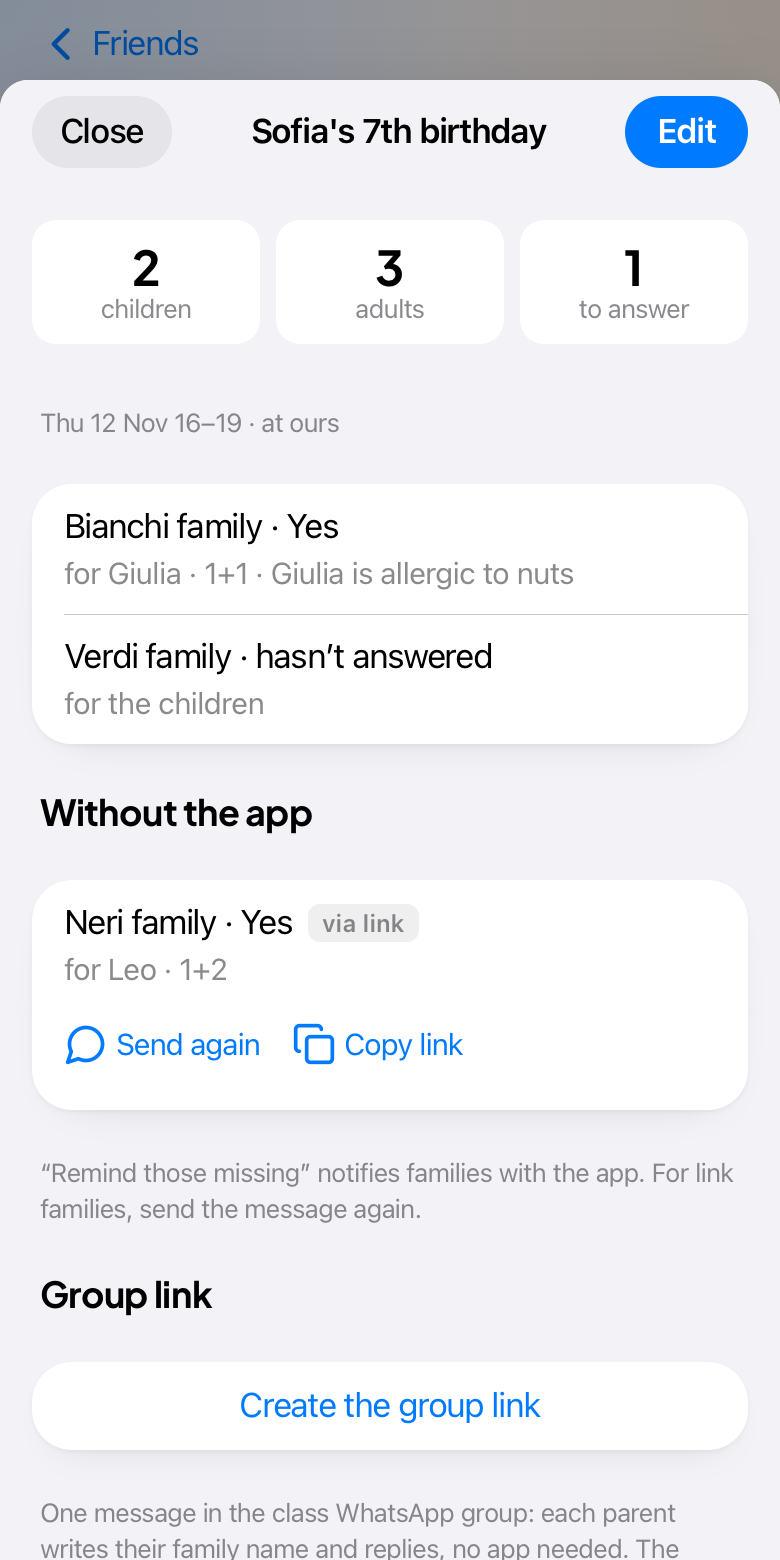
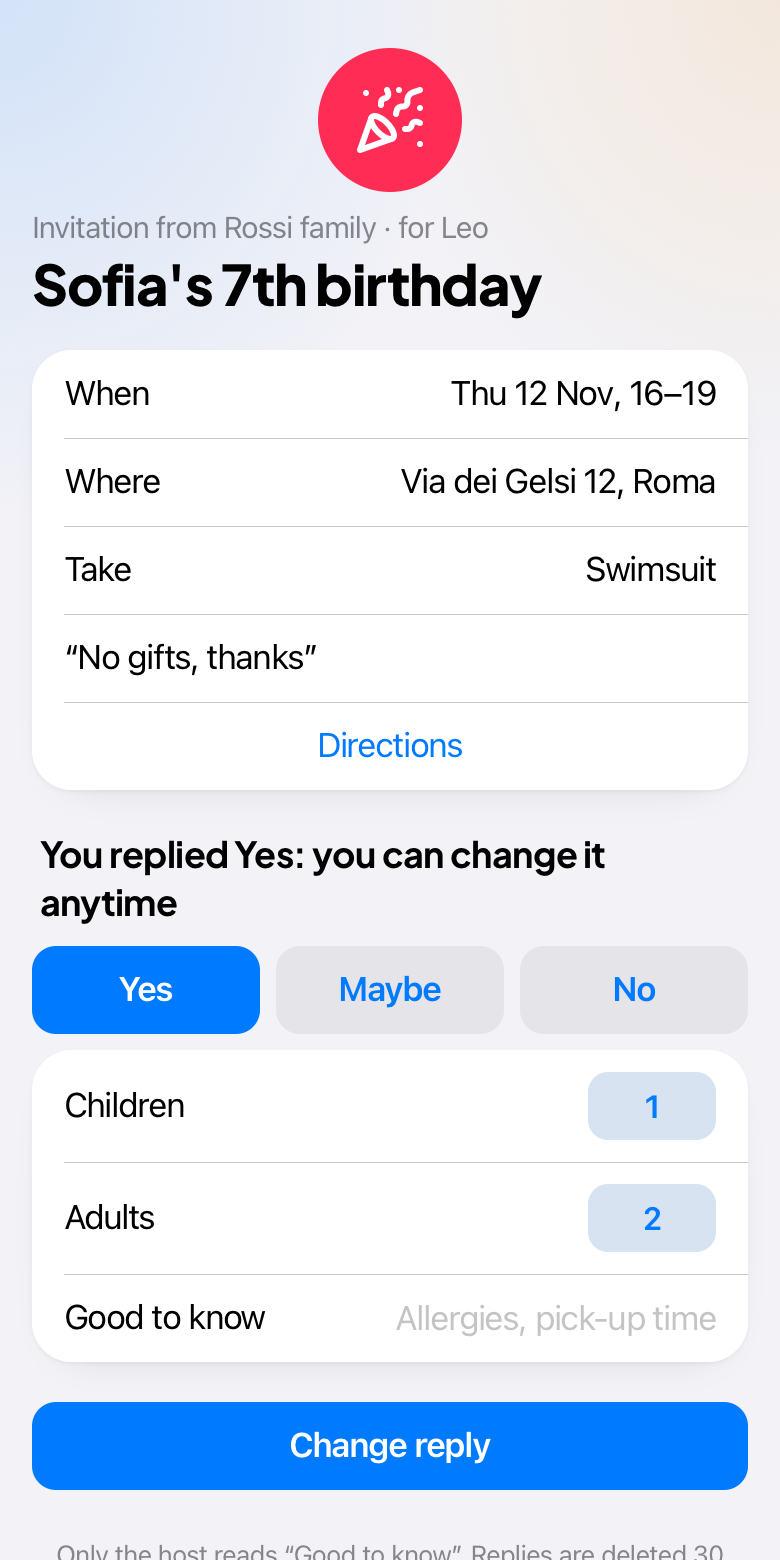
A birthday, a sleepover, an afternoon snack: invite one child, all the children or the whole family. People reply Yes, Maybe or No, with how many children and adults. Those without the app reply from a link, even from the class WhatsApp group. The home address only arrives after a Yes.
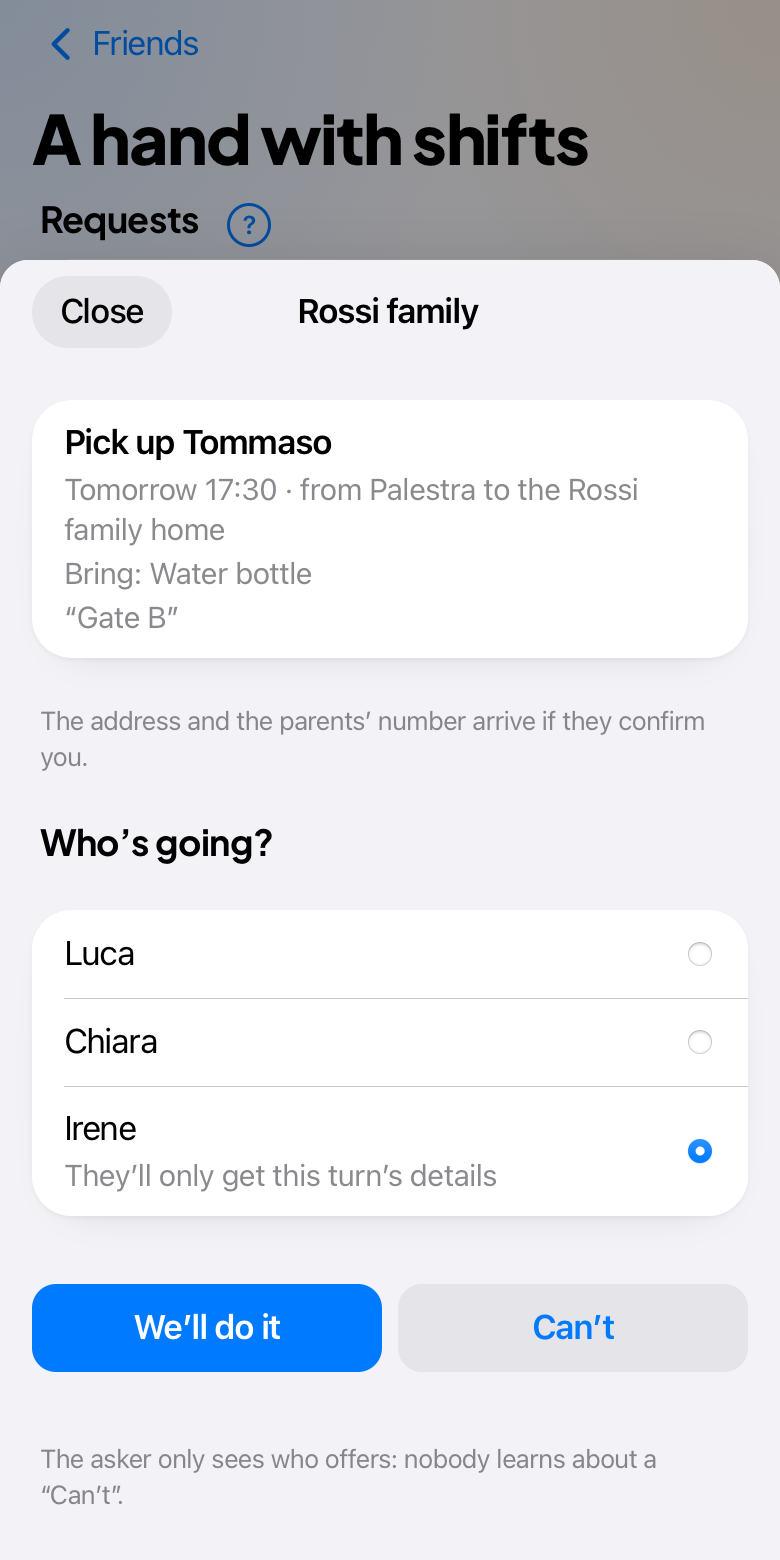
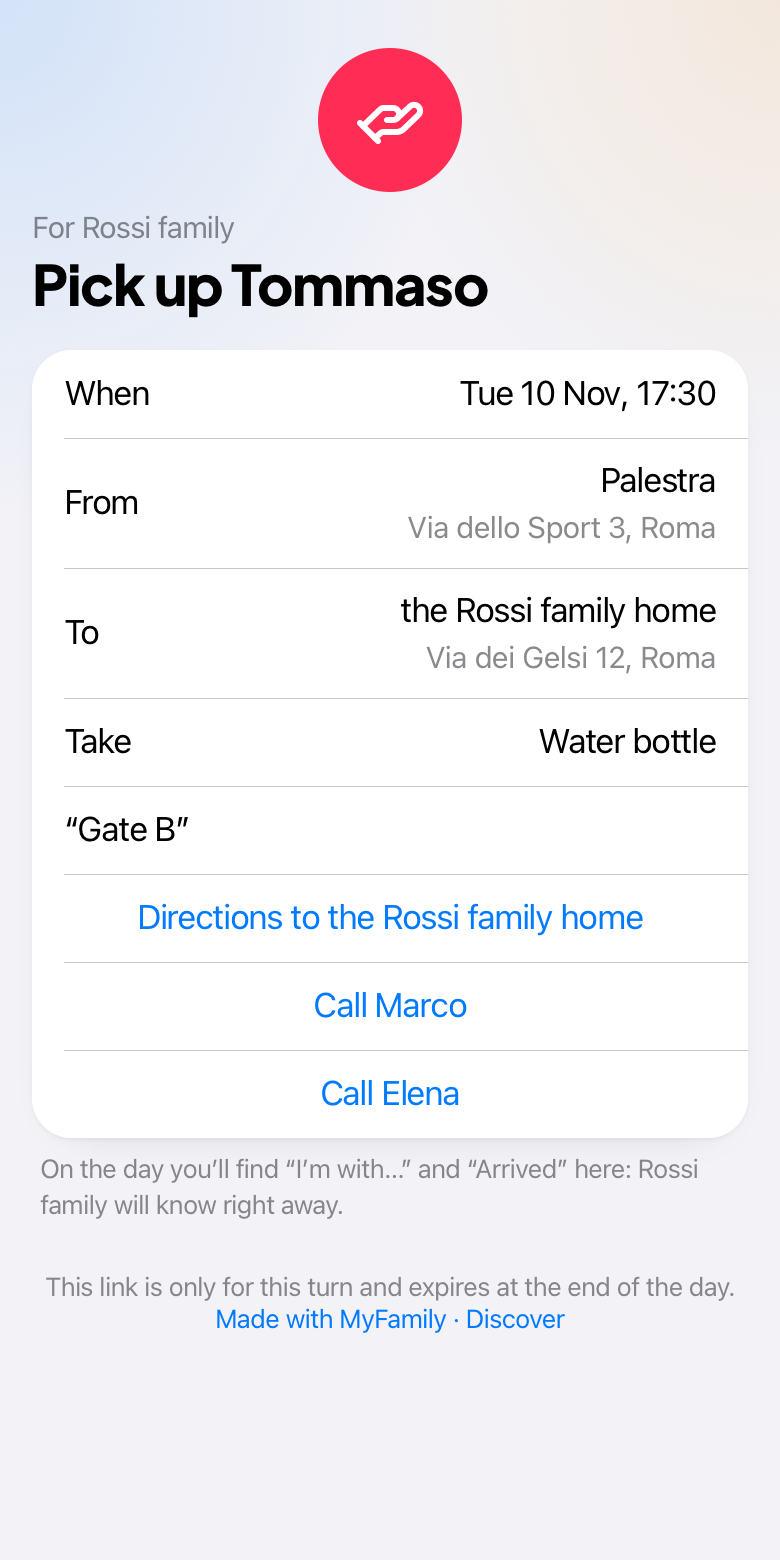
A turn with nobody? In “Find a volunteer” also ask your friend families. Each replies “We’ll do it”, choosing who goes, or “Can’t”. You only see who offers, and you confirm. Whoever goes gets a link just for that turn, and lets you know when they’re with the children and when they arrive.
Removing a family ends the link without notice. Blocking also stops them inviting you or finding you by email. If you share a turn with that family, the app tells you first. Turning the feature off makes you disappear for everyone at once.